
Your iPhone,lighter.
See what takes space. Clean safely. Photos, videos, and files stay on the device.
- On-device scans
- Nothing preselected
- Face ID vault
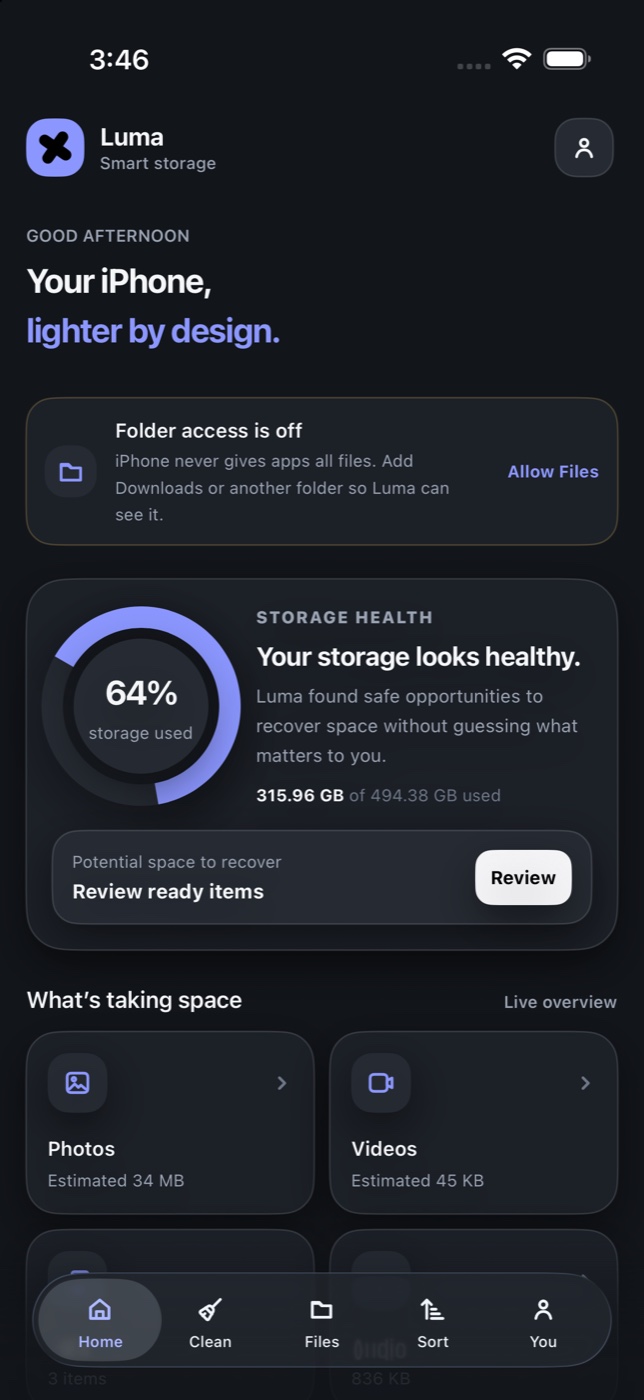
One place for what takes space — reviewed on your iPhone.
- Photos
- Videos
- Screenshots
- Duplicates
- Documents
- Vault
The problem
Full storage means slower days — and harder choices.
Photos pile up. Videos grow. Screenshots never leave. Luma shows what’s taking space before you delete anything.
- 64%
- of iPhone storage is often photos and video you never reopen.
- 1 tap
- to review what Luma suggests — you choose what leaves.
- 0 cloud
- for scans. Photos, files, and names stay on the device.
- 30 days
- in Luma’s Recently Deleted before anything is gone for good.
The product
Clear storage.
Review first. Nothing is preselected.
- Duplicates
- Exact copies, hashed on the phone. You pick what stays.
- Similar photos
- Grouped on device, with a suggested best. You decide.
- Big videos
- Three presets. The new file is checked before the original goes.
- Smart Inbox
- Receipts, tickets, travel, and links, read on the phone.
- Private Vault
- Face ID or a PIN. The key stays in the Keychain.
- Documents
- Scan to PDF. Ask a question. The file stays on the device.
How it works
Review first. Delete second.
Three steps. No hardware. No upload for scans.
01
See
Photos, videos, screenshots, documents, and files you added. Totals first, then the largest.
02
Review
Duplicates, similar shots, and videos you can shrink. Luma explains the suggestion. You decide.
03
Reclaim
Deletion goes through Photos, or into Luma’s Recently Deleted for 30 days. Restore is still there.
Privacy
You control what Luma sees.
Luma follows iOS permissions. It cannot open another app’s storage, and it does not pretend it can.
Read the privacy notesPhotos and videos
Only after you allow Photos. Limited access works.
Files
Luma’s own storage, plus folders you pick in Files.
Other apps
WhatsApp, Mail, and Safari only when you share into Luma.
What leaves
Photos, files, text, and names stay on the device.
iPhone and iPad
Built for the phone in your pocket.
Luma is an iPhone-first app. iPad is included. A Mac with Apple silicon can run it as a Designed for iPad app.

The App Store button switches on when the listing is live.